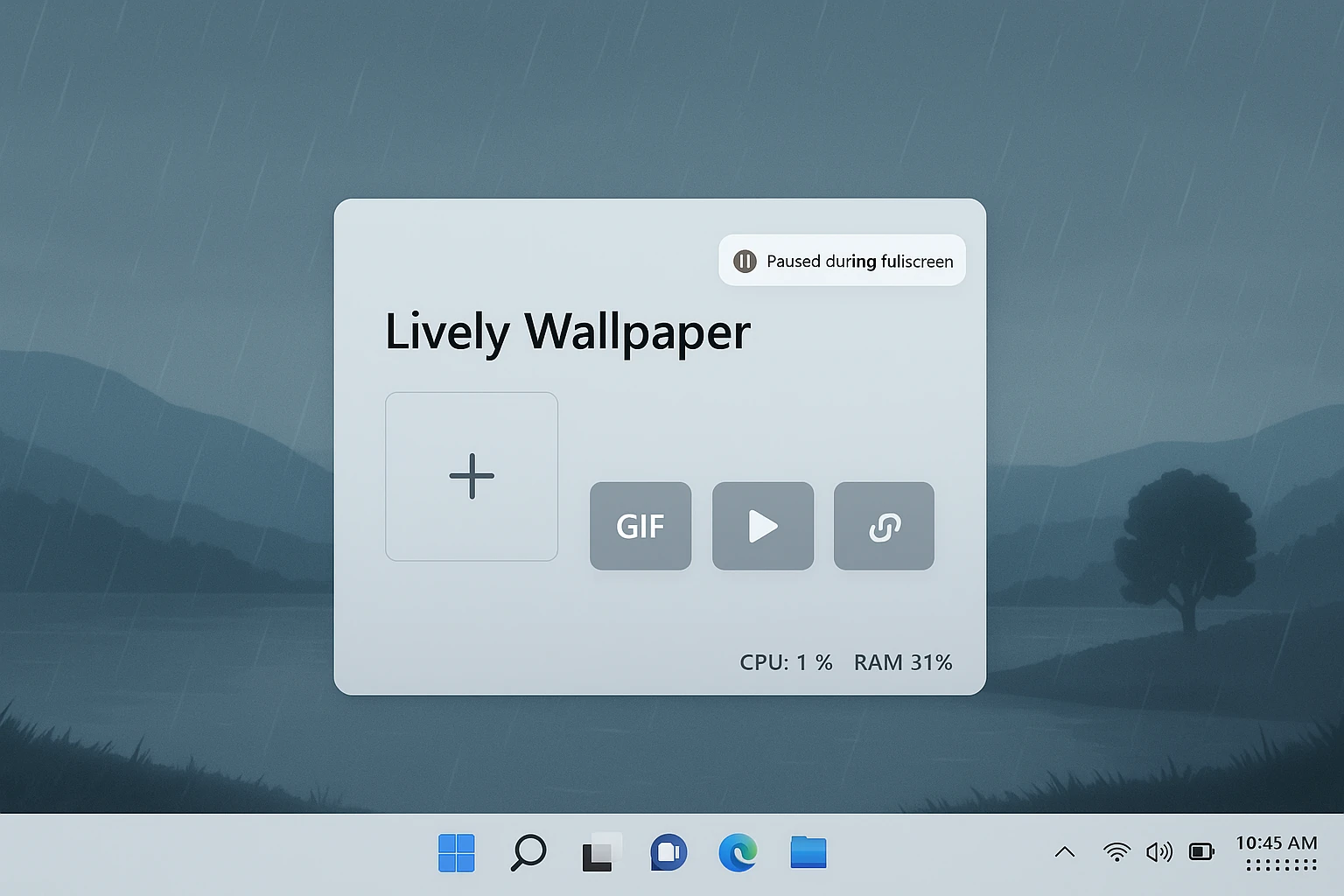
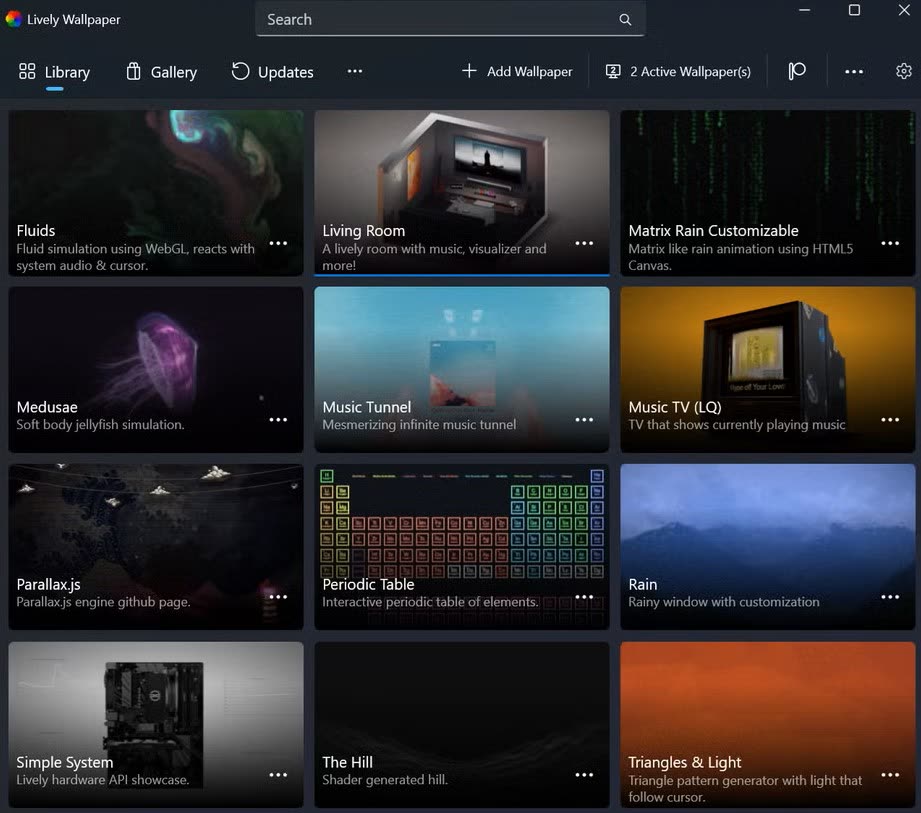
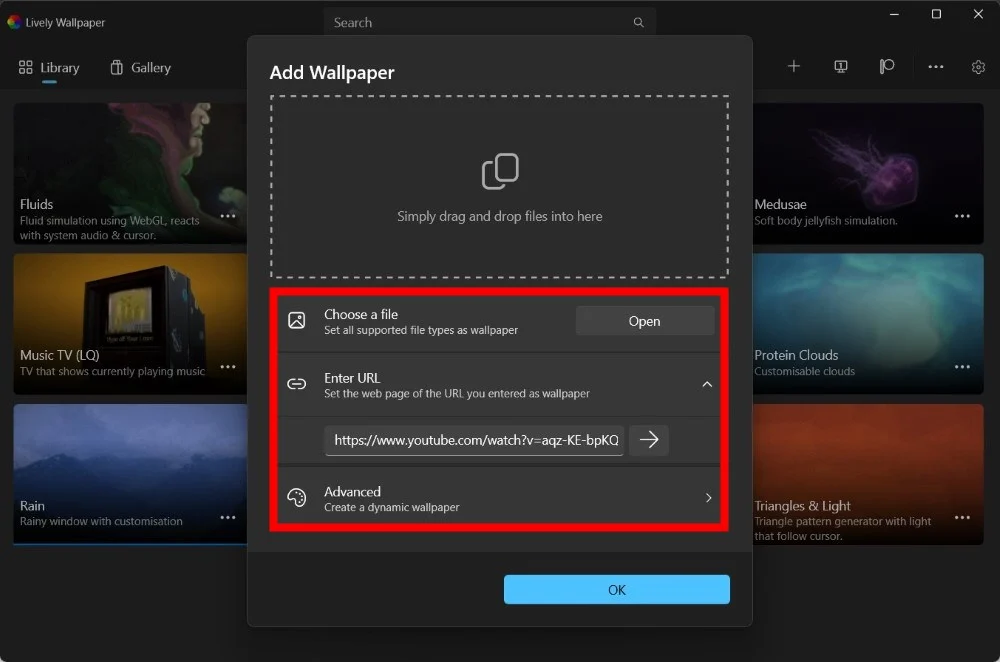
Lively Wallpaper is the most popular live wallpaper Windows application that plays animated desktop backgrounds: video files, web pages, shaders, and other interactive scenes. It is free, open source, and actively maintained.
People search for it when they want motion on the desktop without paying for a closed store ecosystem, when they need per-monitor or span layouts, or when they want to host HTML5 or video loops behind their icons. This page collects features, setup steps, hardware expectations, and problem-solving patterns that match what users report in community threads-so you spend less time guessing.
If you are comparing options, remember that any live wallpaper engine trades a small amount of continuous GPU or CPU work for visuals. Lively's strength is flexible content types plus rules to pause when you game, present, or run on battery-details we expand under performance and troubleshooting.
Quick answers
- Is it free? Yes, Lively Wallpaper is free and open source.
- Is it safe? Use official, verifiable download sources only.
- Does it support multiple monitors? Yes, with span or per-display modes.
- Can it cause lag? Heavy 4K/web scenes can; pause rules usually solve it.
Who benefits most
- Anyone who wants video or web-based art as a background
- Multi-monitor setups (span, duplicate, or per-screen)
- Streamers and gamers who need reliable pause behavior
Before you install
- Live wallpapers always use some resources while visible
- Download only from sources you trust and can verify
- Web wallpapers load remote content-use URLs you trust
More from the image library
Additional visuals supplied for this site-see the full gallery for every file in images/.
Healthy habits are boring: export your wallpaper list, note driver versions when something breaks, and read changelog bullets when you update.
Quarterly
Delete duplicate clips, verify that external drives still spin up, and test one web wallpaper after browser-related OS patches.
After GPU driver updates
Run your known-good sample wallpaper before opening bug reports elsewhere-half of "regressions" are fixed by a clean install or power cycle.